Skip to content
Home / Computers & Laptops Computer & laptop sales

Computers & Laptops

Brand-new and pre-owned desktop sets, custom builds, laptops, printers, monitors and accessories. Tell us what you need and your budget, and we'll send you available options with prices.

What we sell

Available units change every week, so message us for the current stock and prices.

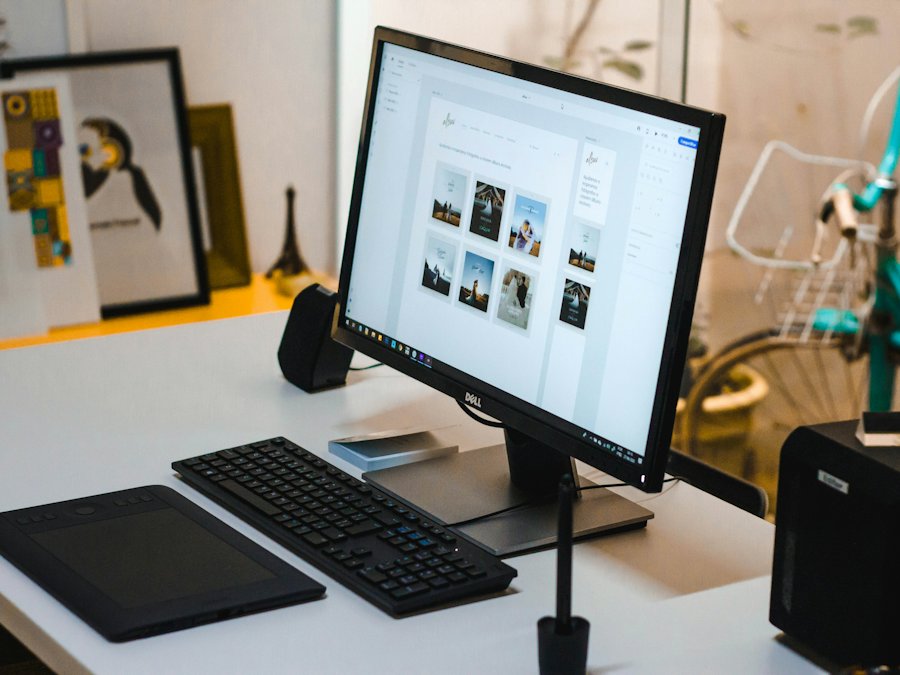
Desktop computer with monitor and keyboard on a deskDesktop sets

Office & school sets

Complete, ready-to-use desktops for work, school and small businesses.
  • System unit, monitor, keyboard & mouse
  • Set up and tested before release
  • Multiple units for offices
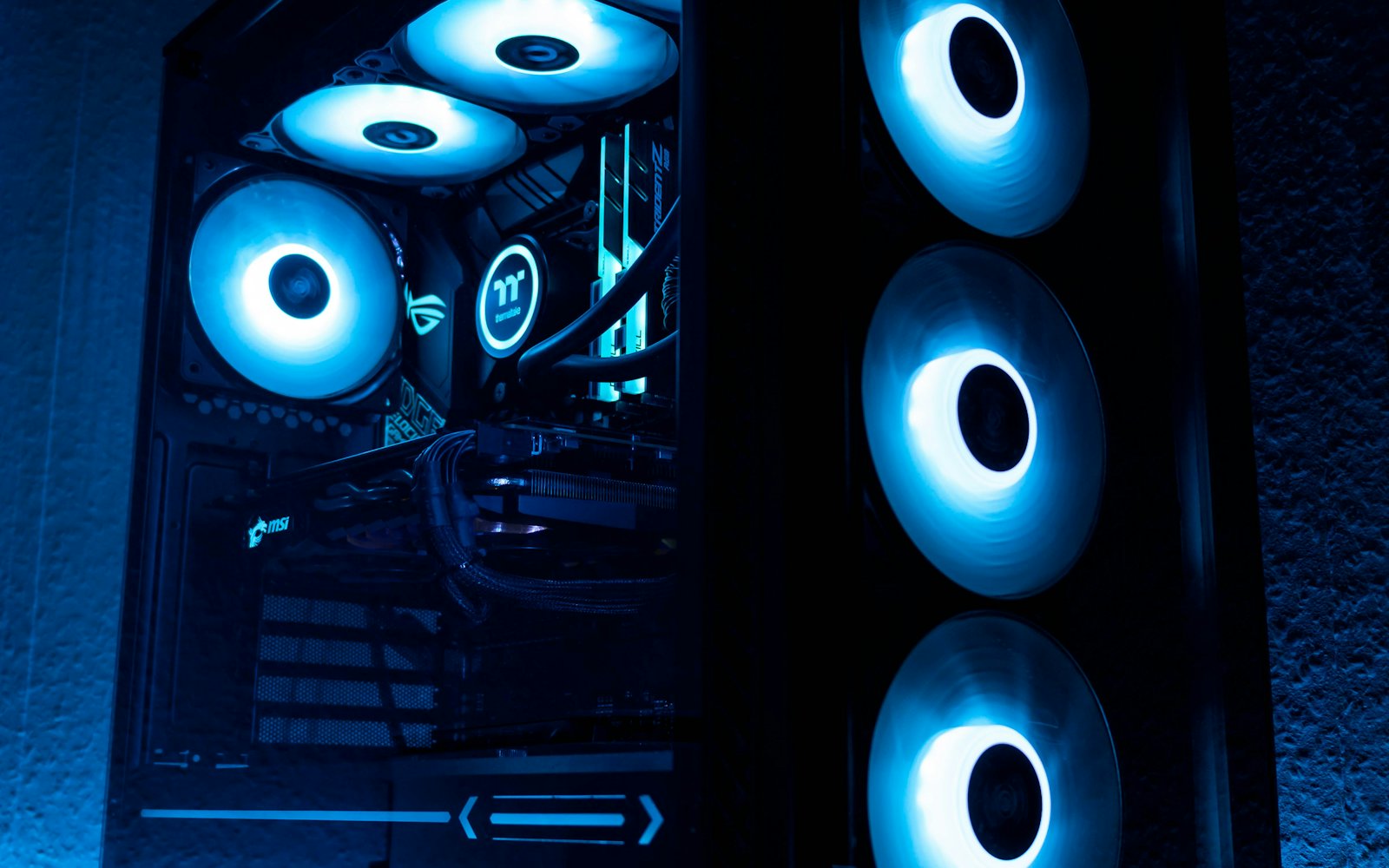
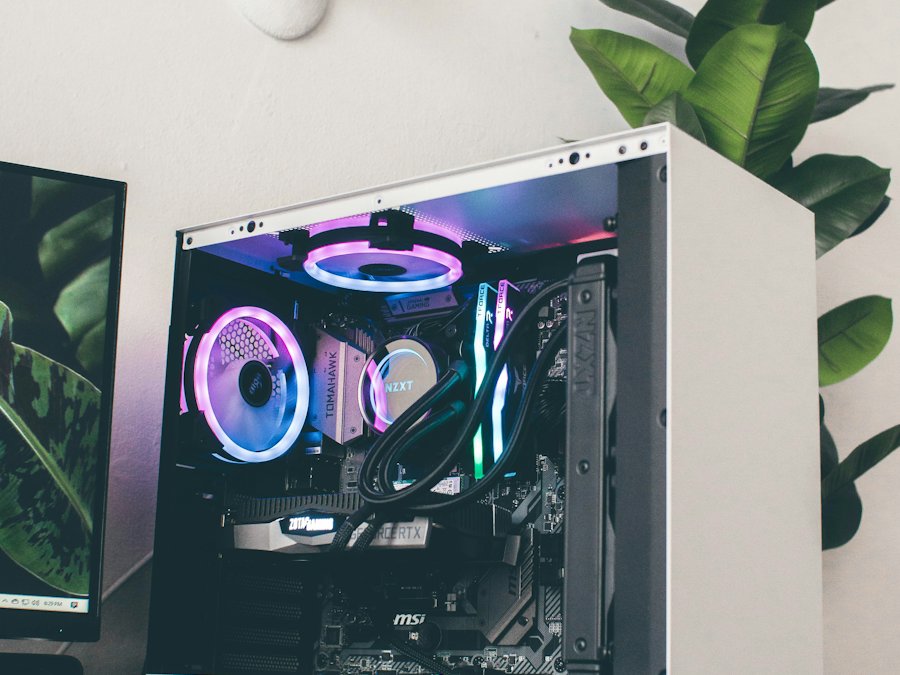
Custom PC build with lit fans in a white caseCustom builds

Gaming & custom PCs

Built to your games, software and budget. You choose, we assemble.

  • Parts picked to match your budget
  • For gaming, editing, design or coding
  • Upgrade path planned from day one
Open laptop with a glowing colorful screenLaptops

Laptops

Laptops for students, work and gaming, matched to how you'll use them.
  • Different brands and price ranges
  • Brand-new and pre-owned units
  • Checked before you take it home
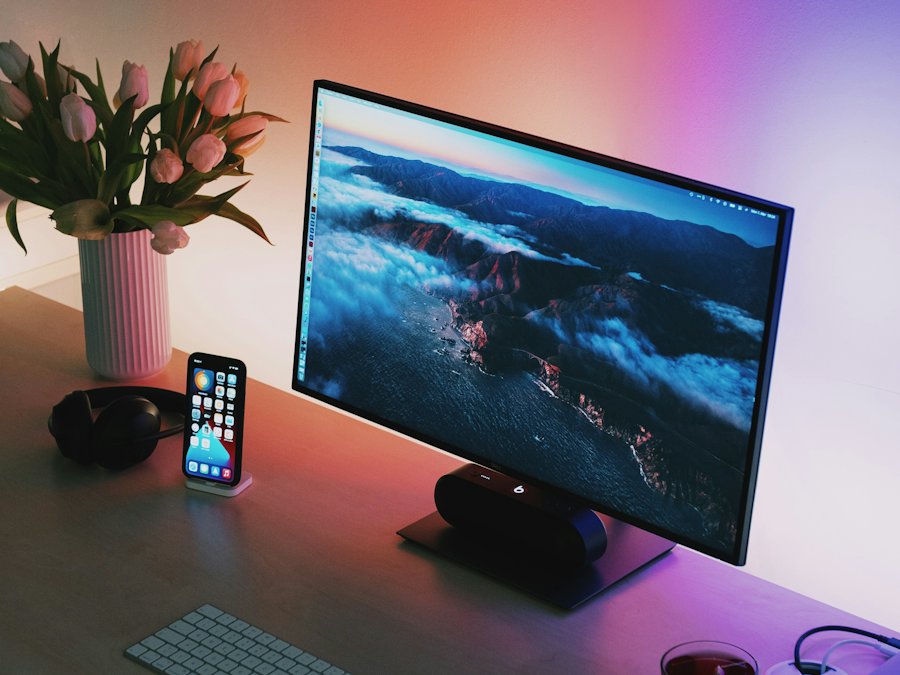
Computer monitor and keyboard on a deskPrinters & more

Printers, monitors & accessories

Printers, monitors, keyboards, mice and storage for home, office and school.

  • Printers and monitors
  • RAM, SSD and storage upgrades
  • Keyboards, mice and peripherals

Photos are for illustration only. Actual units, brands and specs depend on available stock.

Request a computer quote

We'll reply with units that fit your budget, brand-new or pre-owned.

Name the software you use

Like MS Office, AutoCAD, Photoshop or the games you play. It helps us pick the right specs.

Buying for an office or school?

Set the quantity, or apply as a B2B buyer for regular orders.

Just upgrading your current PC?

RAM and SSD upgrades are under Repair Service.

Computer Quote
Desktops · Laptops · Accessories
01What do you need?
02Main use
04Brand-new or pre-owned?

Asking is free. We reply with options and prices that fit your budget.

Messenger Call
Parts quote

Your quote request is ready

Send it to us with any option below. We reply with price and availability.

Your message
Tip: after you paste the message, send a photo of the sticker under your laptop or the label on the old part. It helps us match the exact part.

Next: we check stock and reply with the price and availability.

Quick guide

Where do I find my model number?

Any one of these is enough. A photo works too.

  1. 1
    Check the sticker under the laptop. Look for "Model", "Model No." or "P/N". On some older laptops it sits under the battery.
  2. 2
    Check the old part itself. Chargers show volts and amps (like 19V 3.42A). Batteries and screens have a part number printed on the label.
  3. 3
    On Windows: press Win + R, type msinfo32, press Enter, and look at "System Model".
  4. 4
    Still not sure? Take a clear photo of the sticker and send it with your message. We will find it for you.