Skip to content
Home / Resellers & B2B Wholesale & B2B

Resellers & Business (B2B)

For computer shops, technicians and resellers who need parts regularly, and for companies, offices and schools buying computers or parts in bulk.

Why order from us

Bulk pricing on request

Ask for reseller pricing on volume orders. We quote based on quantity.

Priority stock check

Registered resellers get their availability checks handled first.

Bulk computers for offices

Brand-new or pre-owned desktops, laptops and printers for companies and schools.

Nationwide shipping

We ship anywhere in the Philippines via JRS, LBC or bus cargo, and same-day in Metro Manila via Lalamove or our own rider.

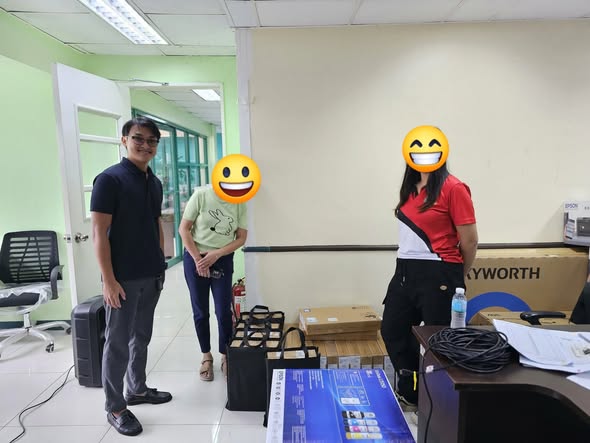
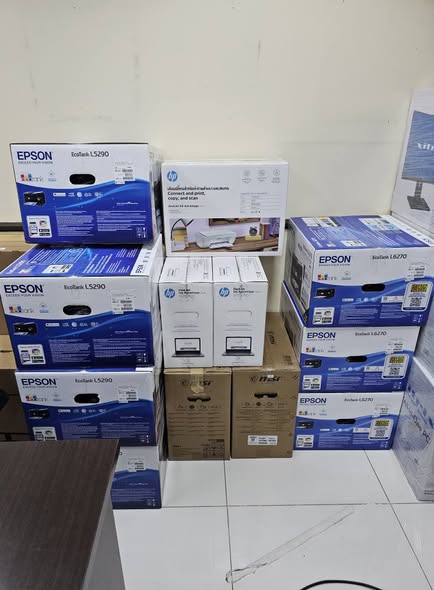
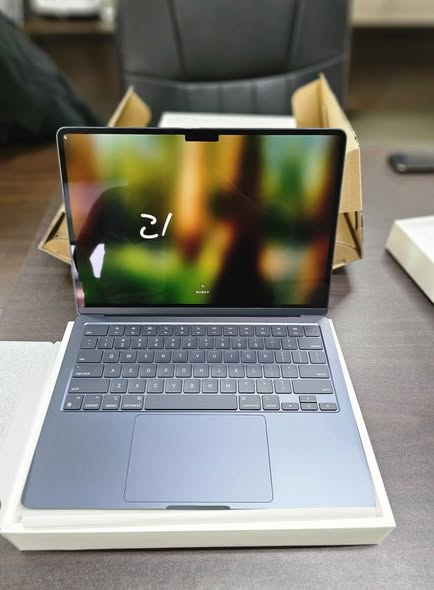
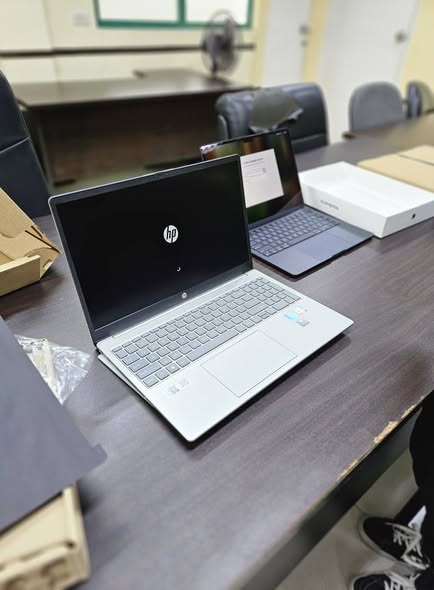
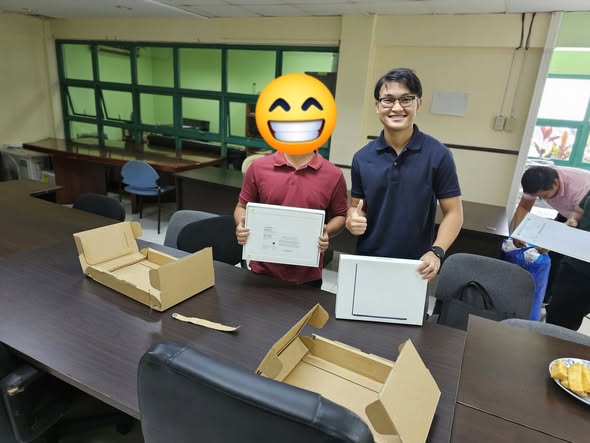
Recent B2B order · December 2025
  • 20MacBook M2 units
  • 13HP Core i7 laptops
  • 7Printers

Delivered to one client in a single order. We can do the same for your office or school.

Recent deliveries

Recent orders delivered to our customers.
More on our Facebook page
Order delivered by PC Talks

Reseller / B2B application

Fill this in and send it to us. We'll get back to you about pricing and how ordering works.

No fee to apply

Terms are discussed directly with you through Messenger or a call.

Who can apply

Computer shops, technicians, resellers, repair centers, companies, offices and schools.

Reseller / B2B Application
Wholesale & B2B
05Type of business
07What you're interested inPick one or more

Your details go only to PC Talks, through the app you choose next.

Messenger Call
Parts quote

Your quote request is ready

Send it to us with any option below. We reply with price and availability.

Your message
Tip: after you paste the message, send a photo of the sticker under your laptop or the label on the old part. It helps us match the exact part.

Next: we check stock and reply with the price and availability.

Quick guide

Where do I find my model number?

Any one of these is enough. A photo works too.

  1. 1
    Check the sticker under the laptop. Look for "Model", "Model No." or "P/N". On some older laptops it sits under the battery.
  2. 2
    Check the old part itself. Chargers show volts and amps (like 19V 3.42A). Batteries and screens have a part number printed on the label.
  3. 3
    On Windows: press Win + R, type msinfo32, press Enter, and look at "System Model".
  4. 4
    Still not sure? Take a clear photo of the sticker and send it with your message. We will find it for you.